
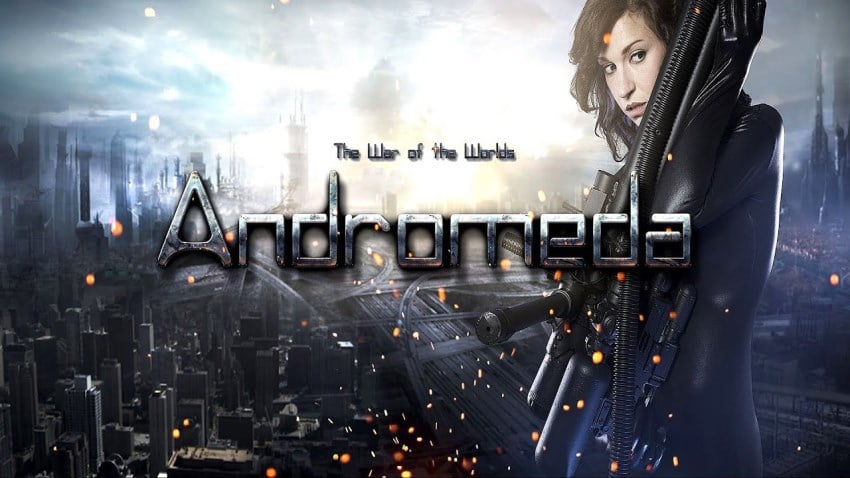
The War of the Worlds: Andromeda
Nếu bạn định cài The War of the Worlds: Andromeda, phần thông tin bên dưới đáng đọc trước khi bấm tải. Ngoài mô tả chung, bài có bảng yêu cầu phần cứng và ghi chú về các lỗi hay gặp. Với máy dùng ổ cứng cơ thay vì SSD, thời gian cài và nạp dữ liệu sẽ lâu hơn rõ rệt — đây là đặc điểm bình thường chứ không phải dấu hiệu bản cài bị lỗi.
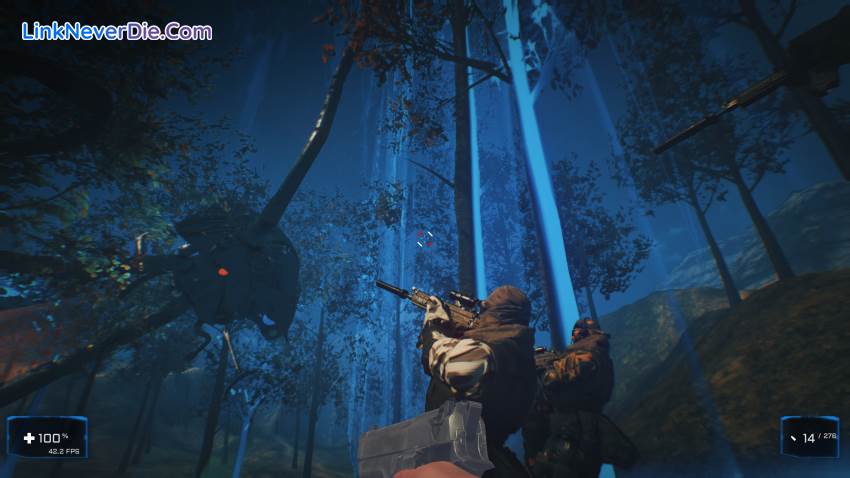
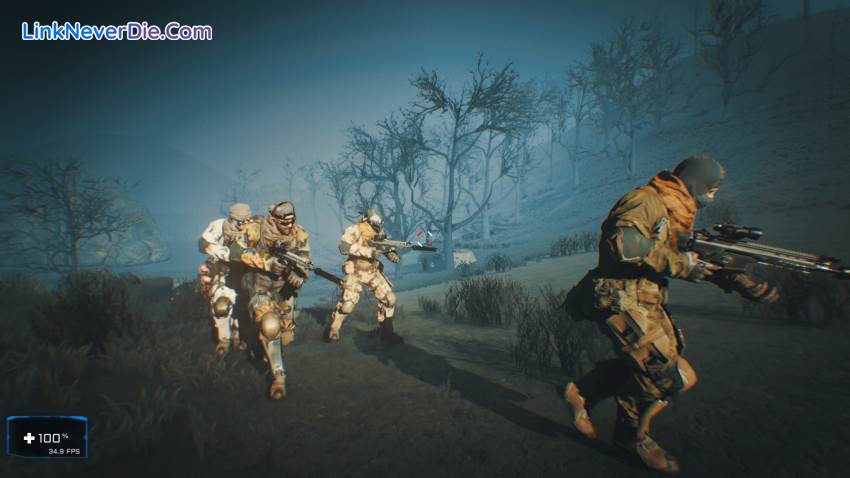
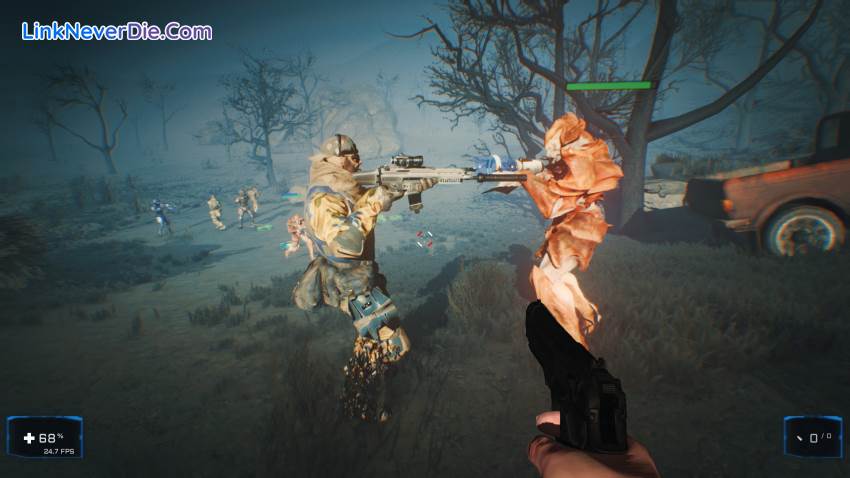
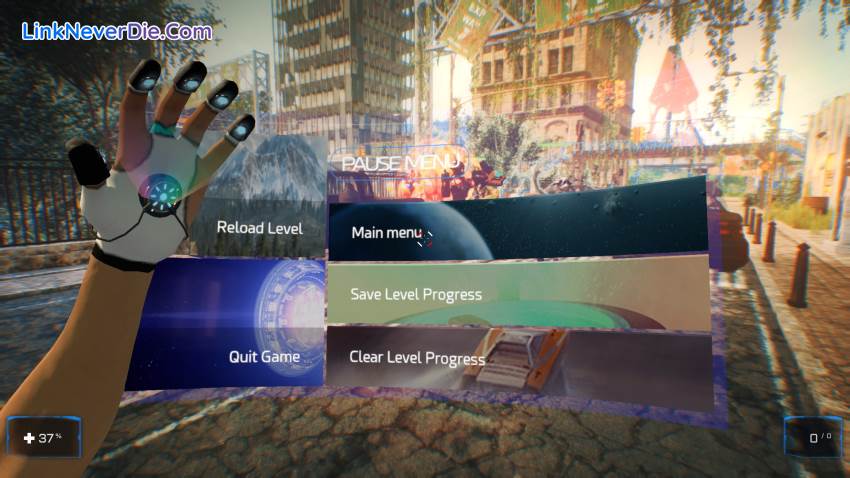
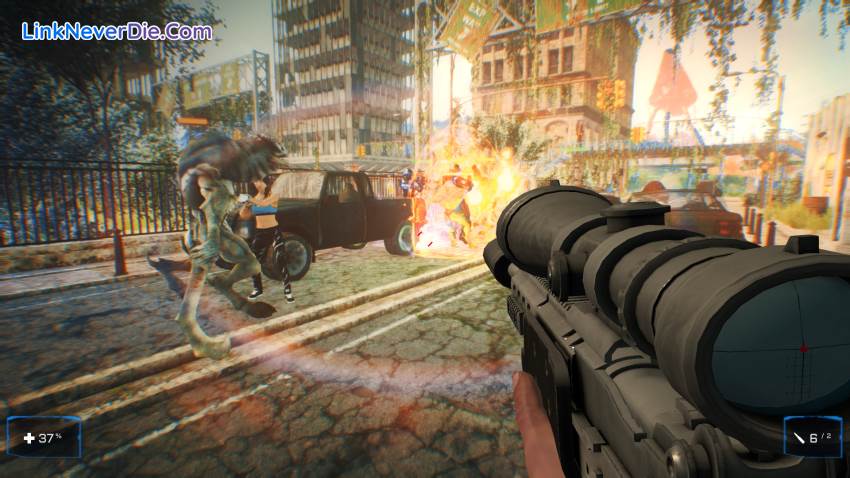
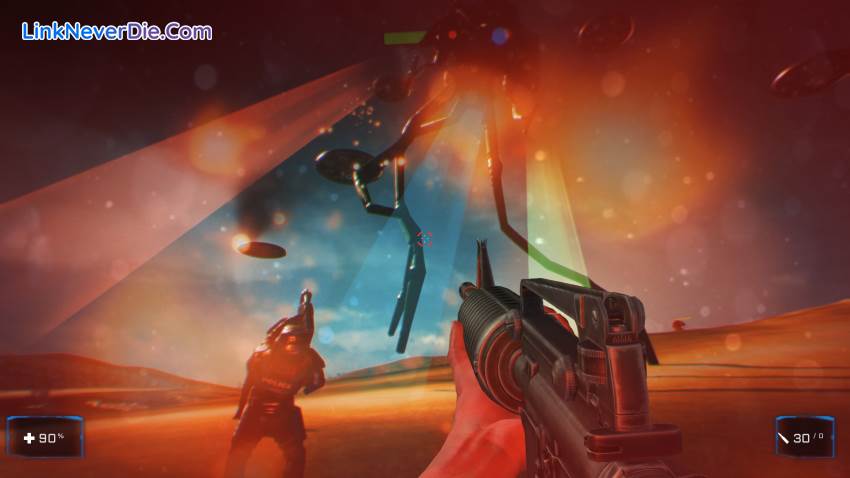
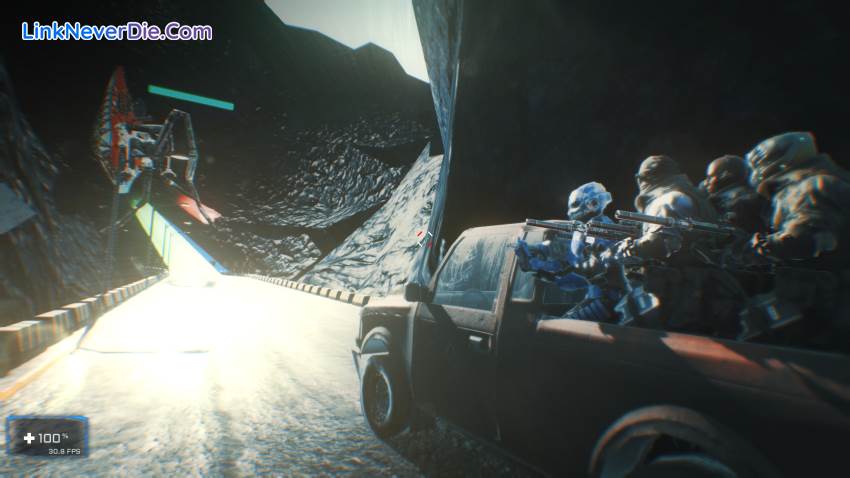
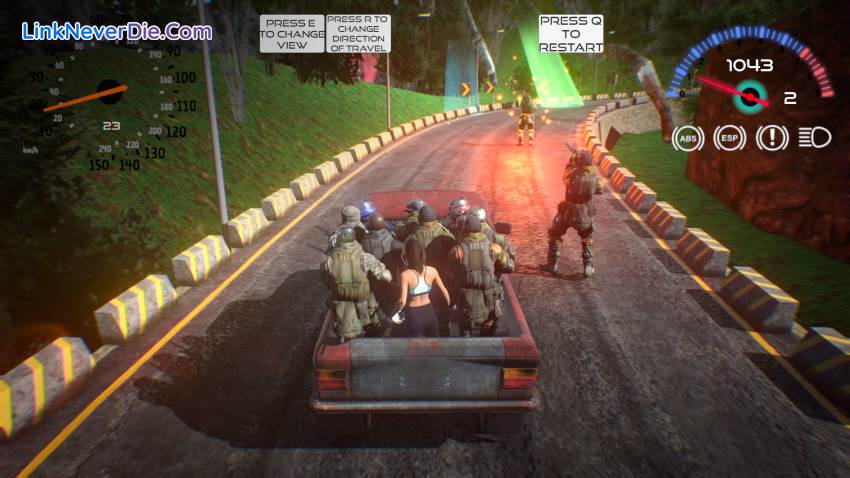
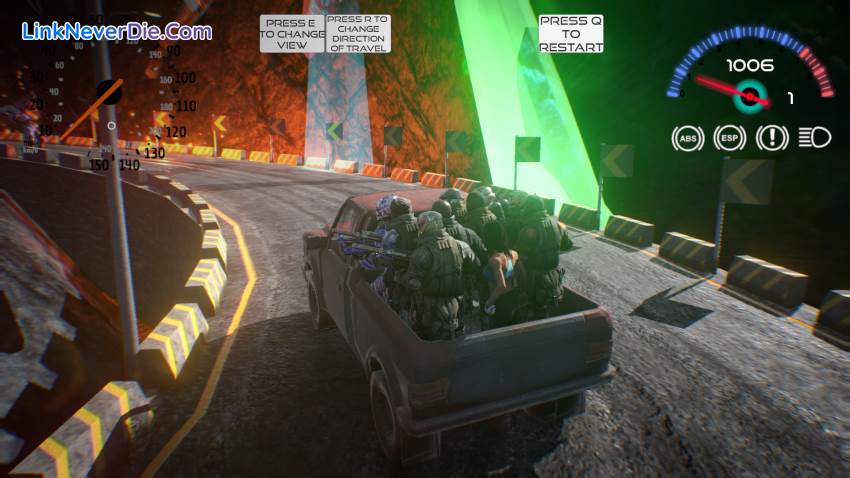
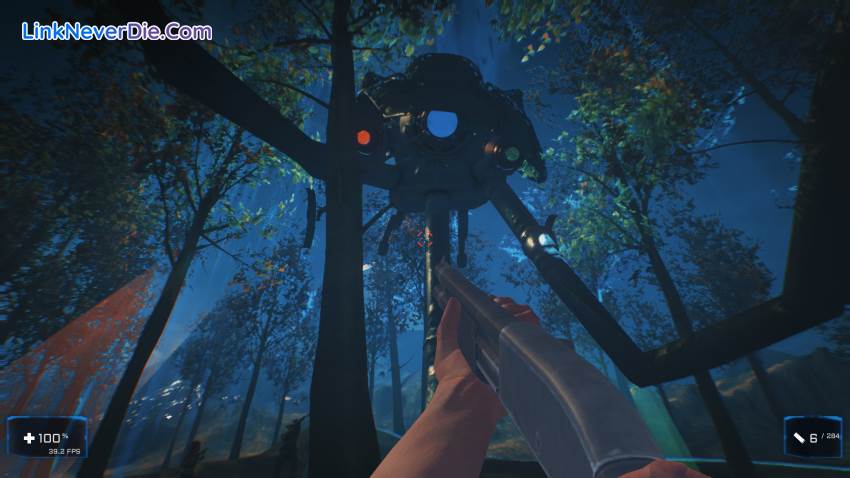
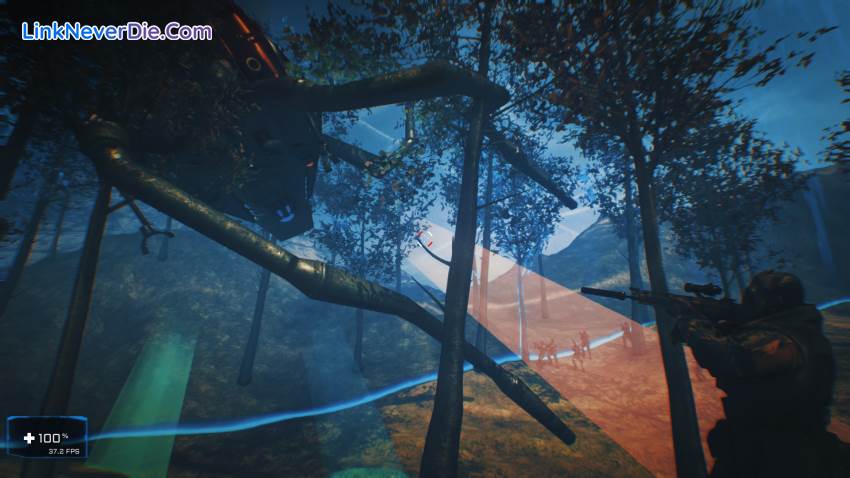
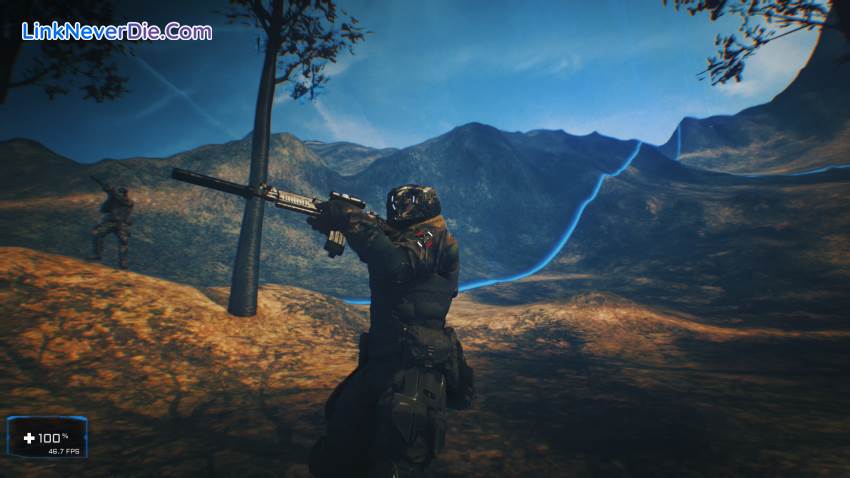
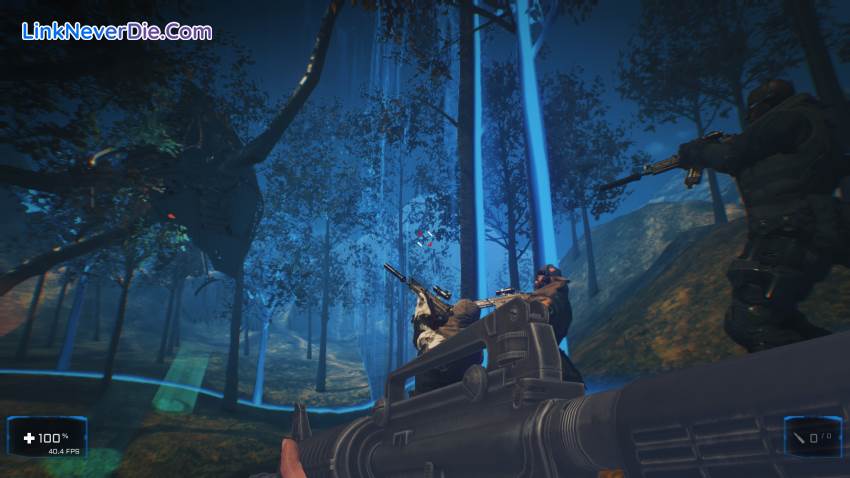
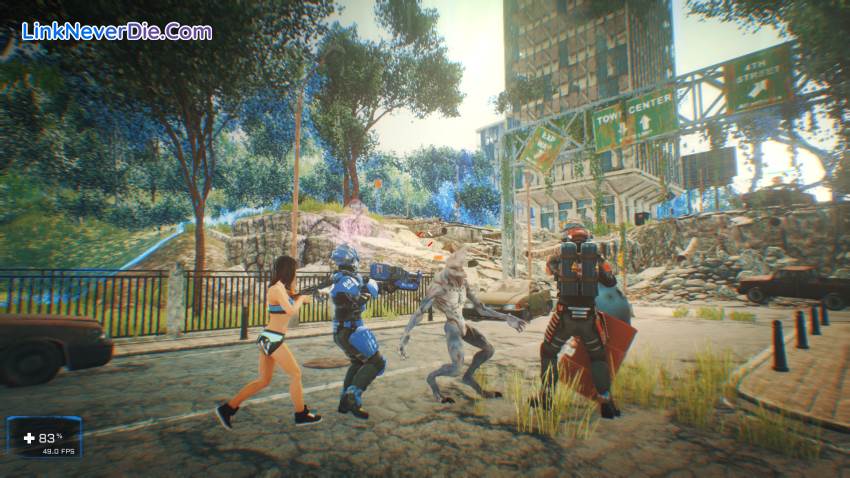
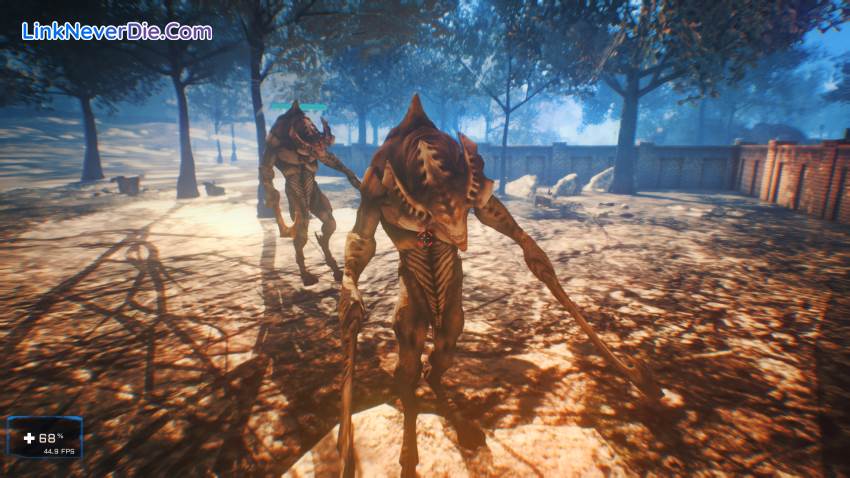
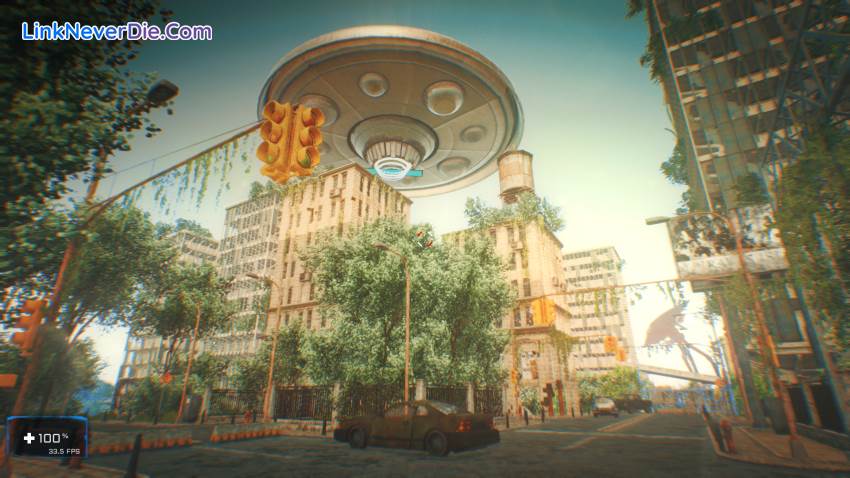
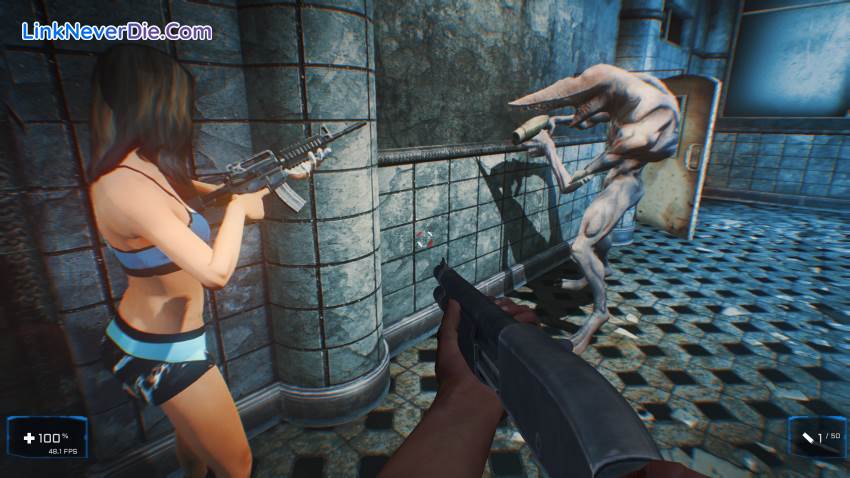
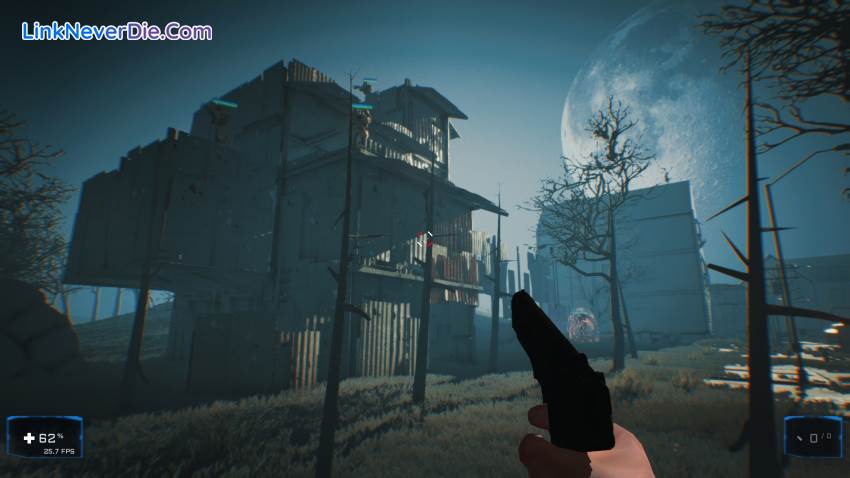
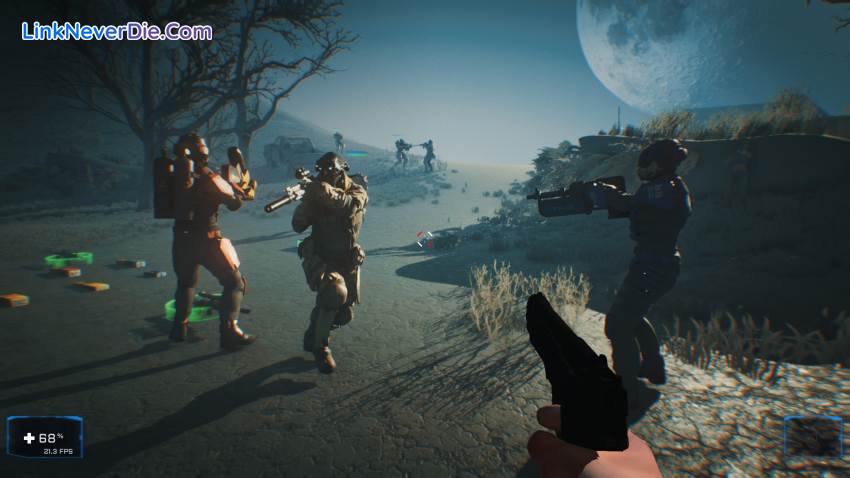
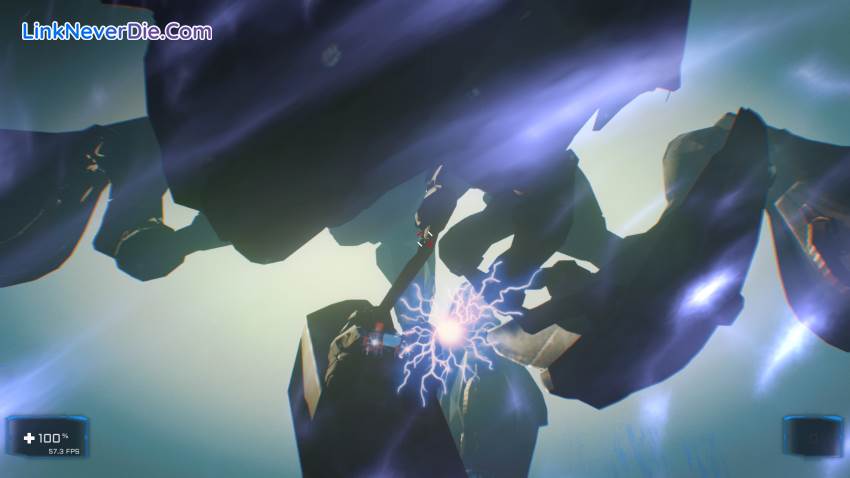
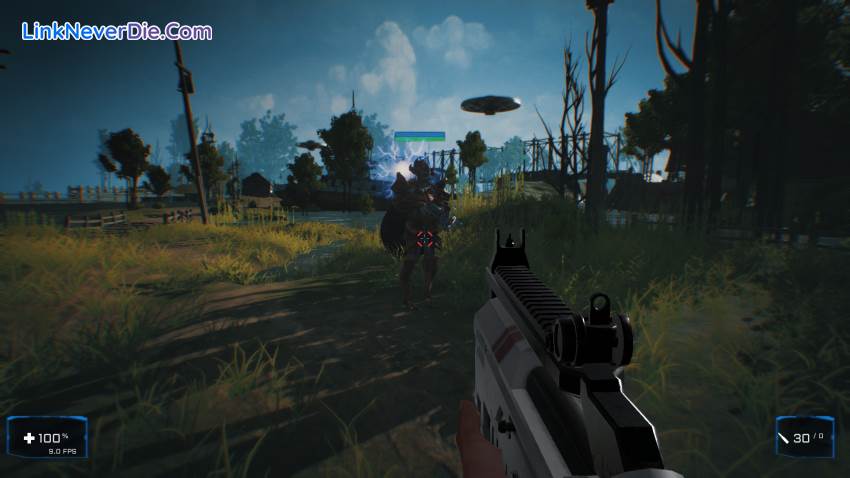
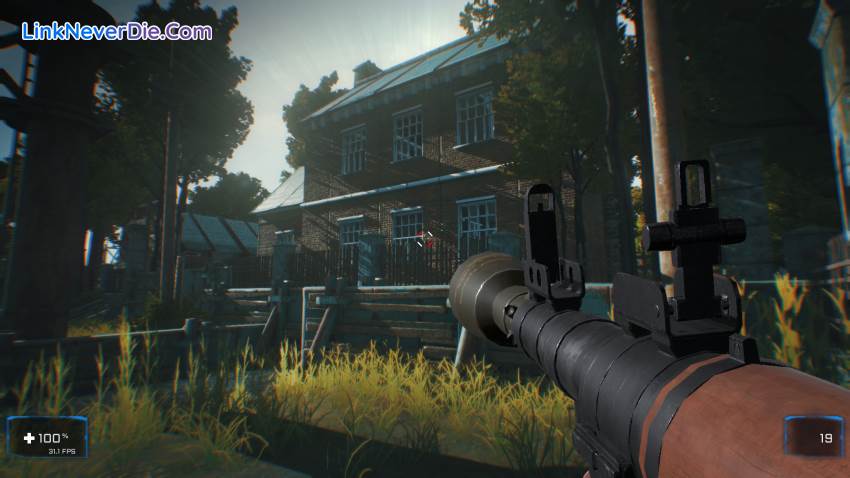
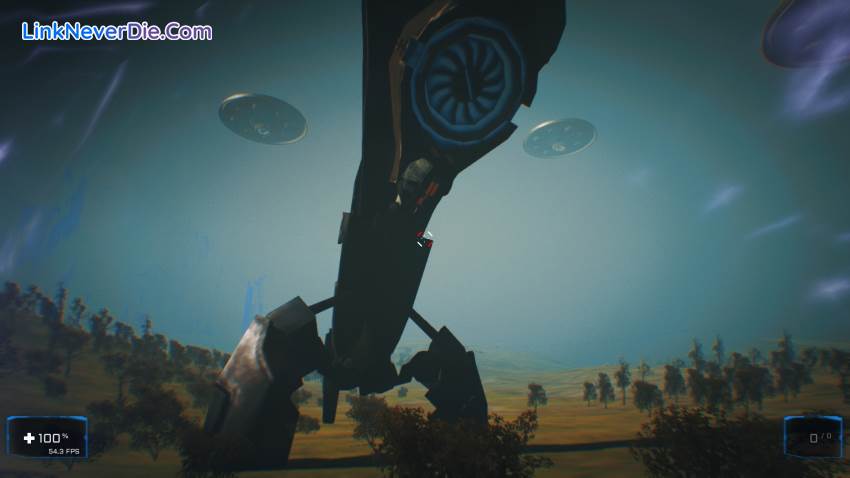
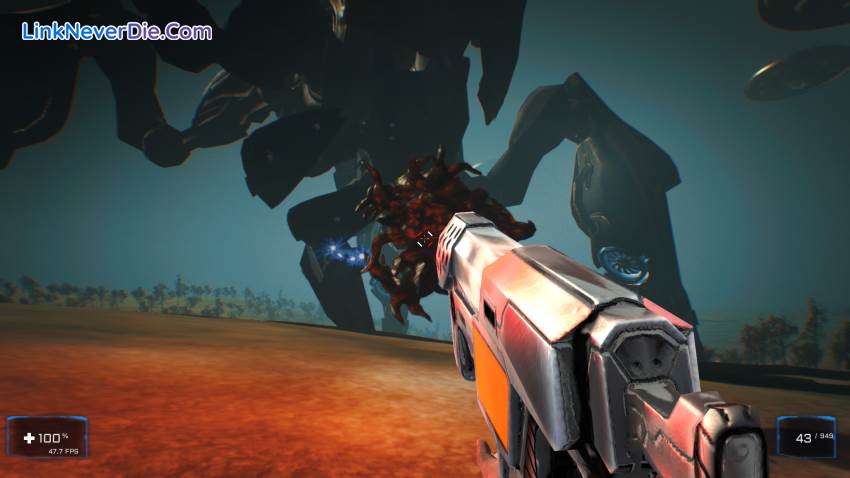
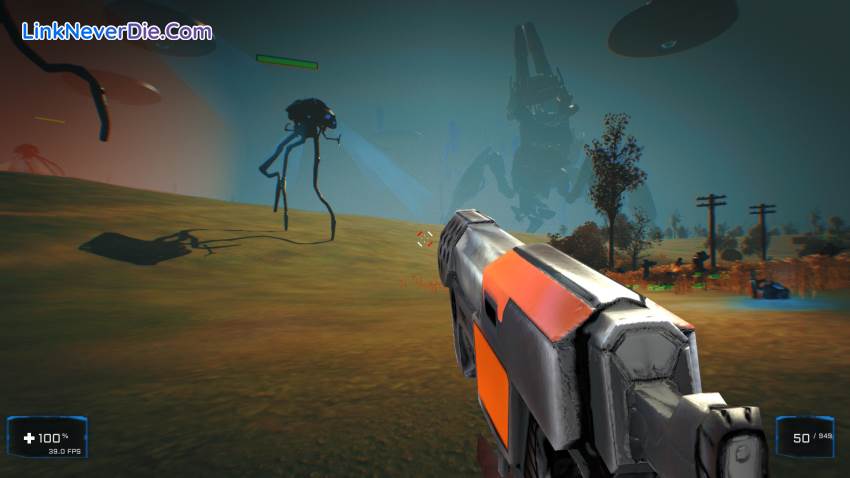
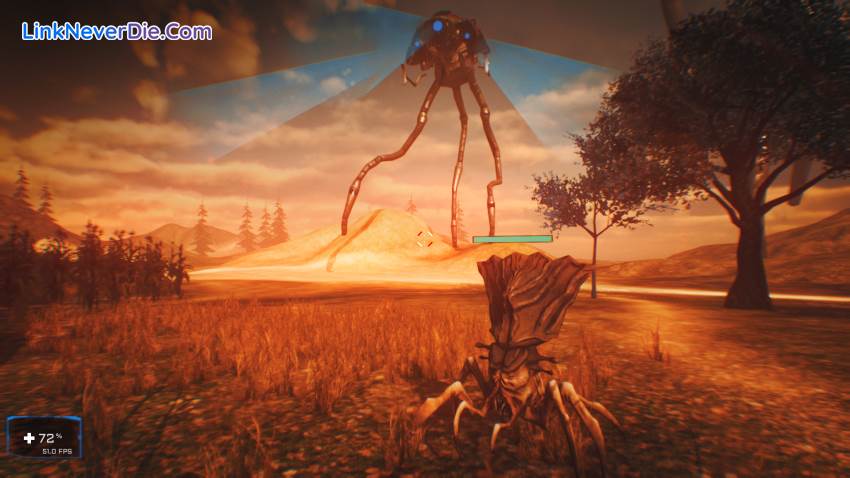
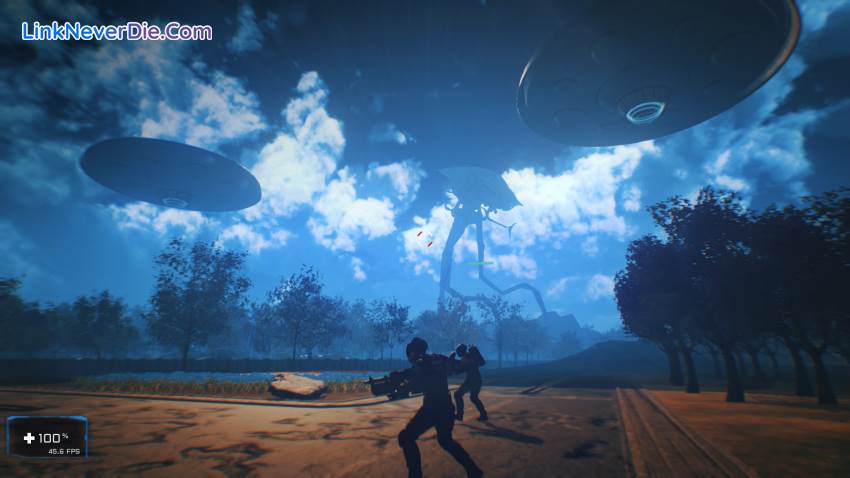
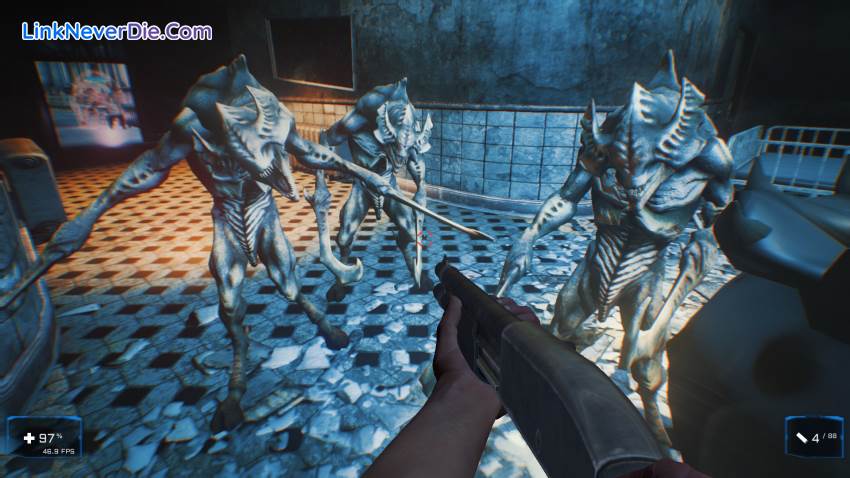
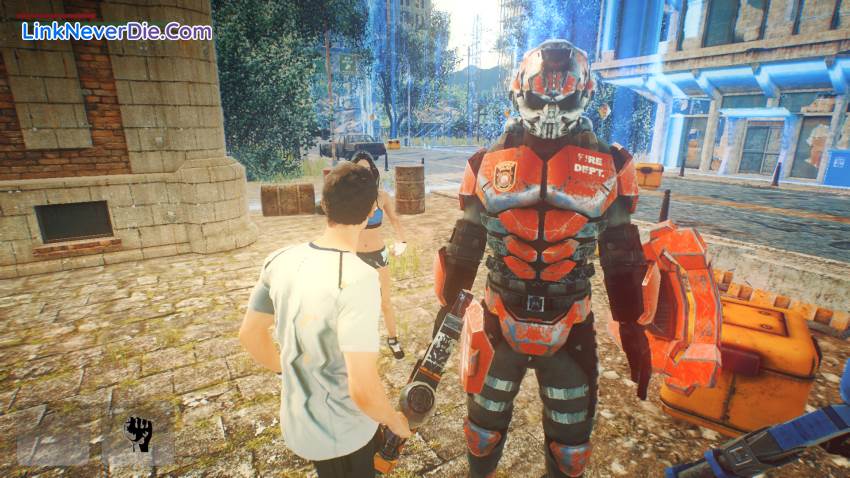
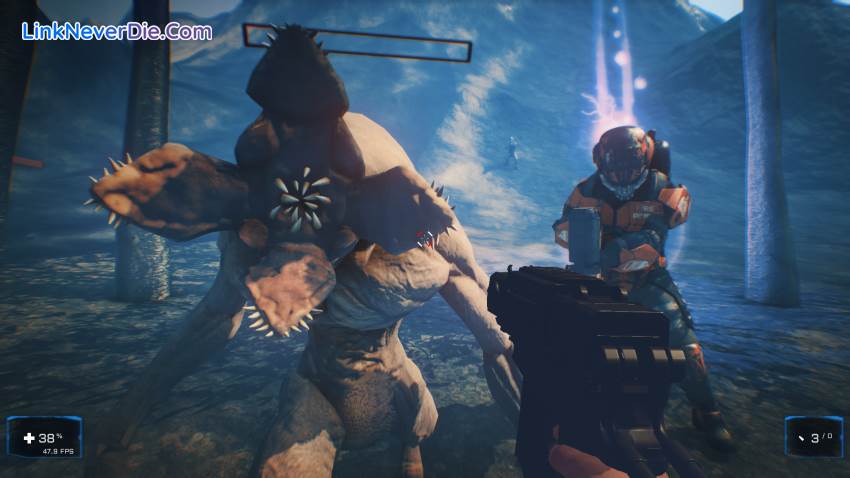
The world is over, get up and start the battle of revenge! With the first-person shooter of The War of the Worlds: Andromeda, load your weapons and lead your team to fight through swarms of fierce aliens. Turn the battle around through 14 epic levels of brutal combat, based on the world of H.G. Wells.
Remember that it is an Indie video game, it is not an AAA production. As such, its price is reduced. The idea is to improve certain aspects, add levels and add an online mode over time.
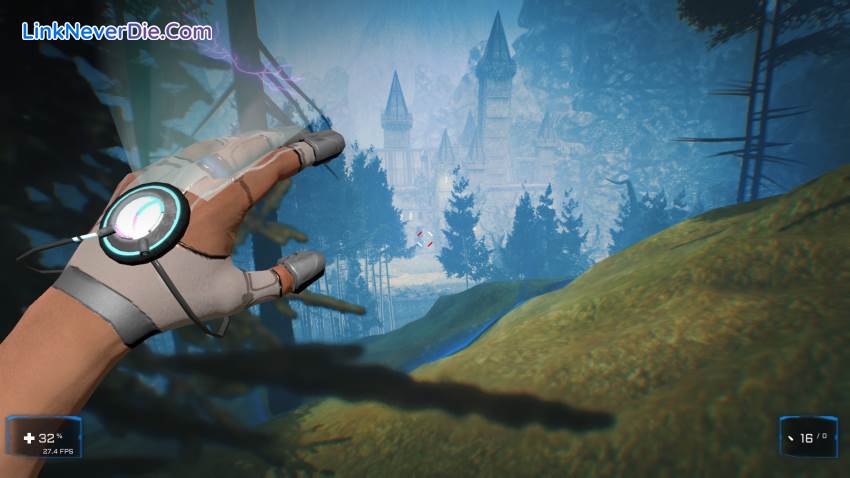
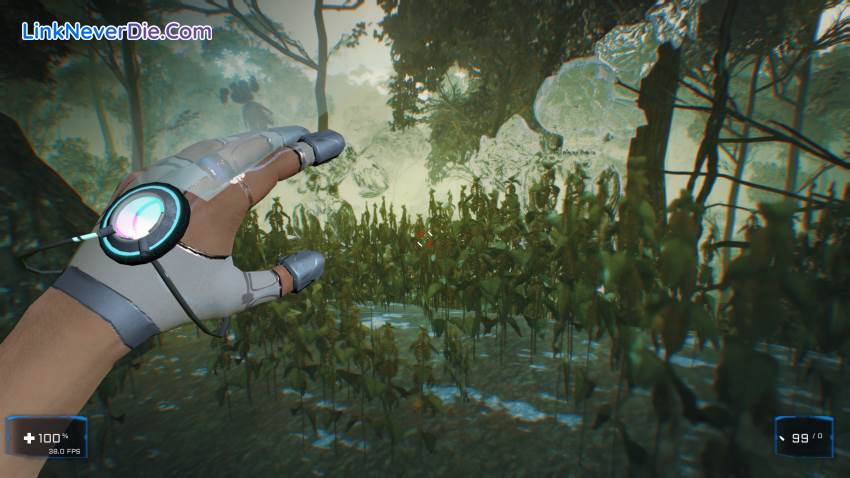
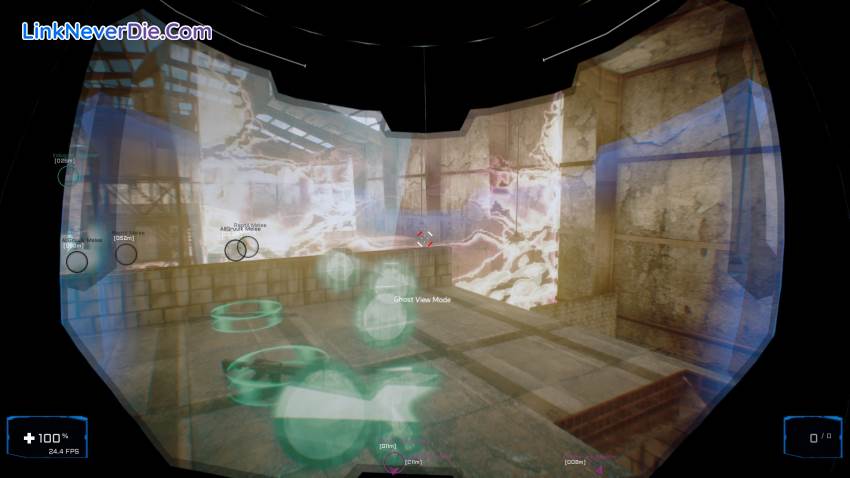
The dynamics of the game is to eliminate the eggs, otherwise the enemies will not stop going out. A group of eggs constitute a wave that must be eliminated to move on to the next one. It has a helmet that allows you to see through the walls and locate enemies and eggs. Go through the pressing the key 'G'. THIS IS A DOOM game type.
Remember that it is an Indie video game, it is not an AAA production. As such, its price is reduced. The idea is to improve certain aspects, add levels and add an online mode over time.
The dynamics of the game is to eliminate the eggs, otherwise the enemies will not stop going out. A group of eggs constitute a wave that must be eliminated to move on to the next one. It has a helmet that allows you to see through the walls and locate enemies and eggs. Go through the pressing the key 'G'. THIS IS A DOOM game type.
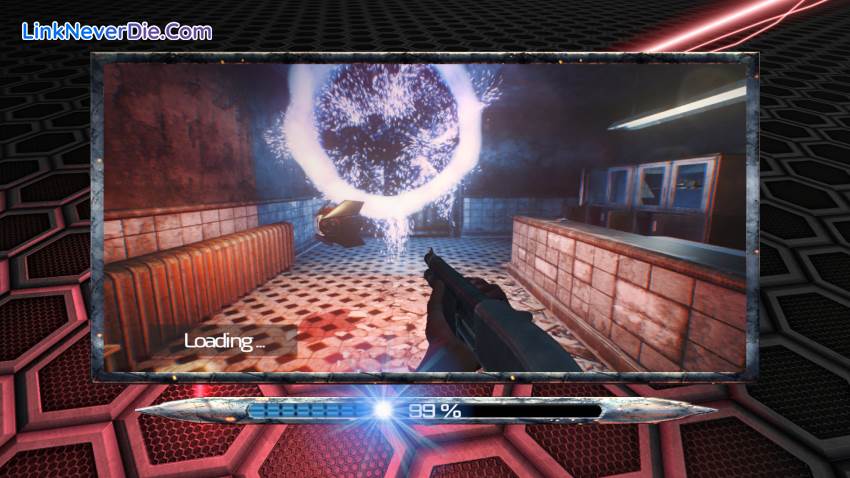
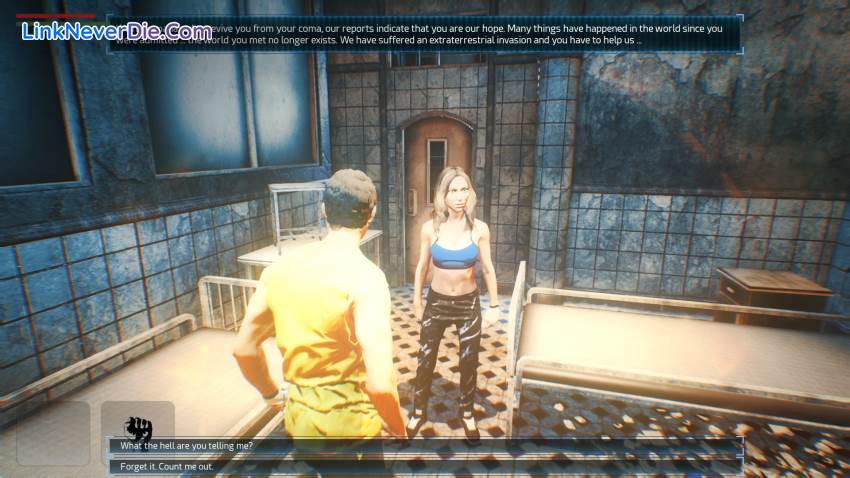
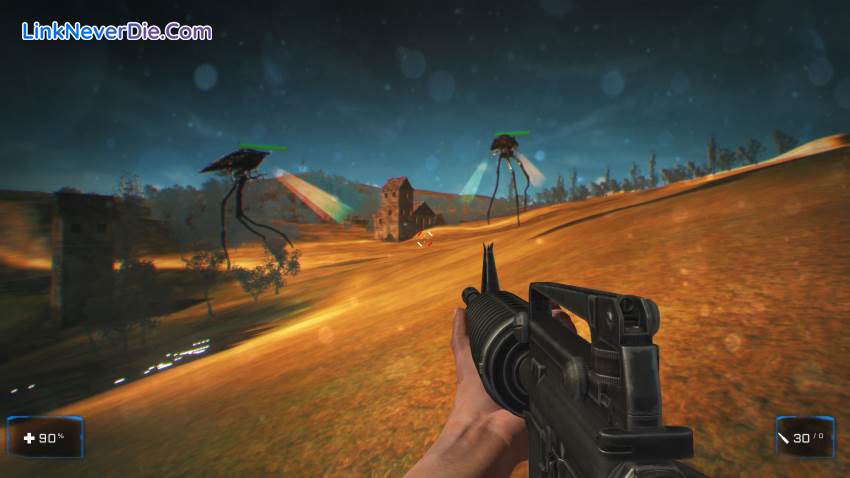
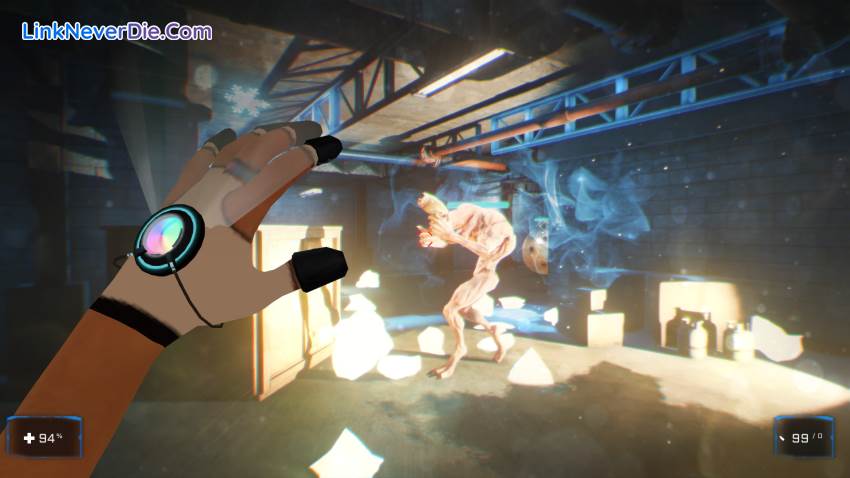

Cấu hình để chơi game The War of the Worlds: Andromeda
-
Minimum:
- Requires a 64-bit processor and operating system
- OS: Windows 8.1
- Processor: Intel Core i5 3550 @ 3.3 Ghz or AMD FX-6300
- Memory: 6 GB RAM
- Graphics: AMD Radeon R7 370 or NVIDIA GeForce GTX 660/570
- DirectX: Version 11
- Network: Broadband Internet connection
- Storage: 20 GB available space
- Additional Notes: 64 bits
-
Recommended:
- Requires a 64-bit processor and operating system
- OS: Windows 10
- Processor: Intel Core i5 4570 @ 3.2 Ghz or AMD FX-8350
- Memory: 8 GB RAM
- Graphics: AMD Radeon R9 290X or NVIDIA GeForce GTX 780
- DirectX: Version 11
- Network: Broadband Internet connection
- Storage: 20 GB available space
- Additional Notes: 64 bits
Mua bản quyền game The War of the Worlds: Andromeda
Nếu thấy game The War of the Worlds: Andromeda hay thì nhớ mua bản quyền game ủng hộ nhà phát triển các bạn nhé. Bấm vào nút bên dưới để dẫn đến trang mua bản quyền.
Các lỗi thường gặp khi chơi The War of the Worlds: Andromeda
-
Hướng dẫn khắc phục và sửa lỗi XINPUT1_3.dll
-
Hướng dẫn khắc phục và sửa các lỗi giải nén
-
Hướng dẫn khắc phục và sửa lỗi MSVCR110.dll / MSVCR100.dll
-
Hướng dẫn khắc phục và sửa lỗi VCOMP120.dll
-
Hướng dẫn khắc phục và sửa lỗi XAPOFX1_5.dll
-
Hướng dẫn khắc phục và sửa lỗi X3DAudio1_7.dll
-
Hướng dẫn khắc phục và sửa lỗi 0xc000007b
-
Hướng dẫn khắc phục và sửa lỗi d3dx9_43.dll
Diễn đàn The War of the Worlds: Andromeda
Chưa có bài thảo luận nào liên kết với bài viết này.

19733
0
0