
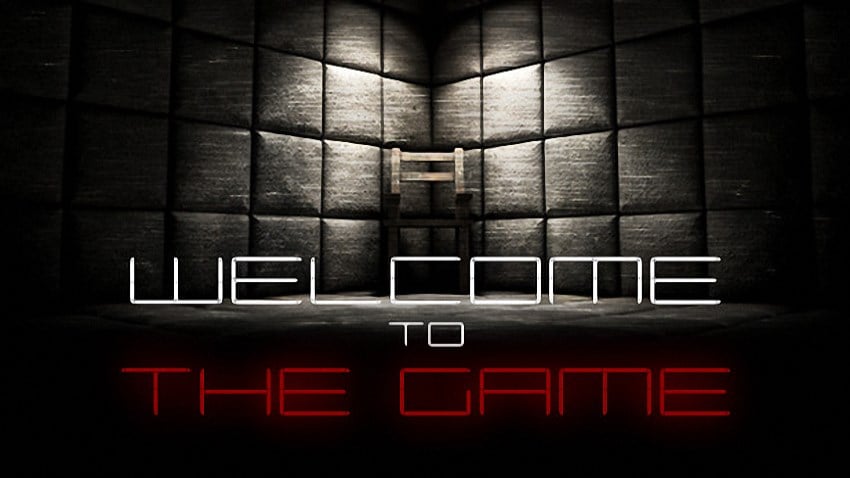
Welcome to the Game
Trang này tập hợp thông tin kỹ thuật quanh Welcome to the Game: cần máy thế nào, chiếm bao nhiêu dung lượng và cài ra sao. Kinh nghiệm chung là nên đóng bớt ứng dụng nền trong lúc cài đặt, đồng thời kiểm tra xem máy đã có sẵn các thành phần hệ thống cần thiết hay chưa. Nếu sau khi cài mà chương trình không phản hồi, mục xử lý lỗi ở cuối bài liệt kê các nguyên nhân phổ biến.
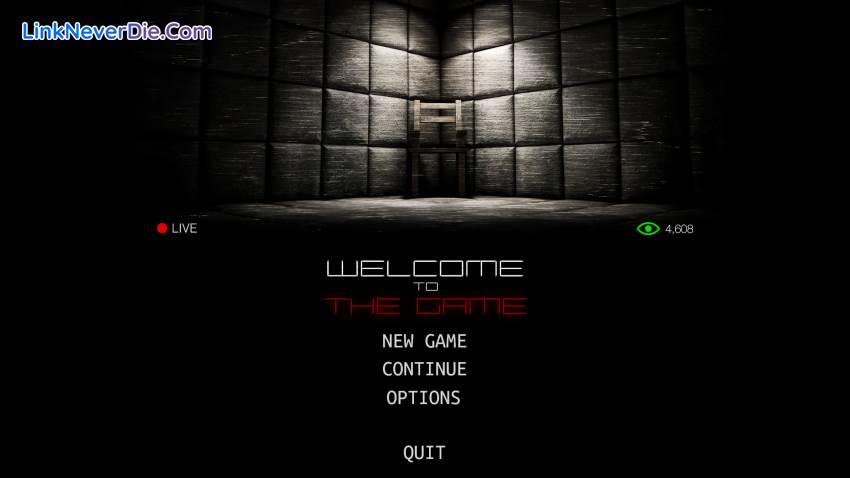
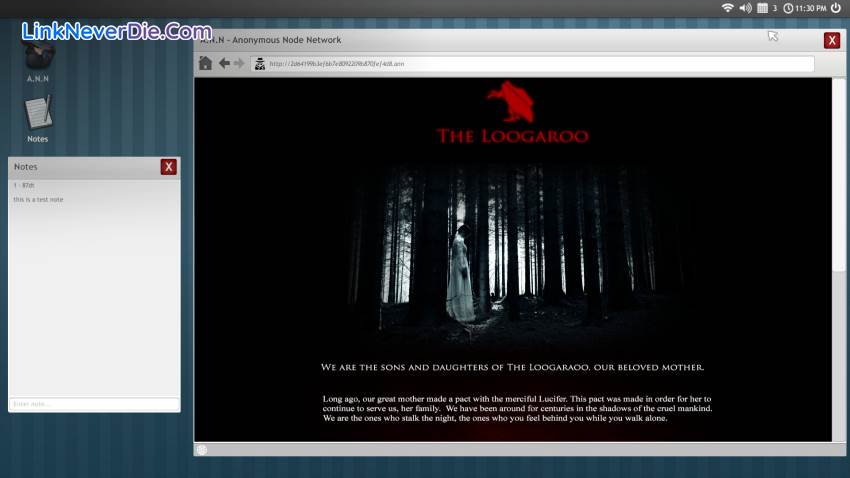
Welcome to the Game is a creepy horror / puzzle game that takes you into the world of the Deep Web. Explore the Deep Web with the sole purpose of trying to find a Red Room, an online service / website that allows you to see and participate in interactive torture and murder.
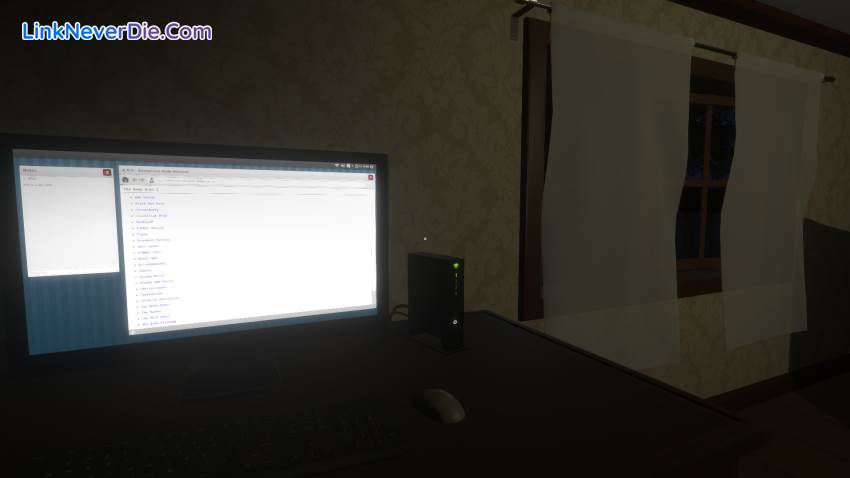
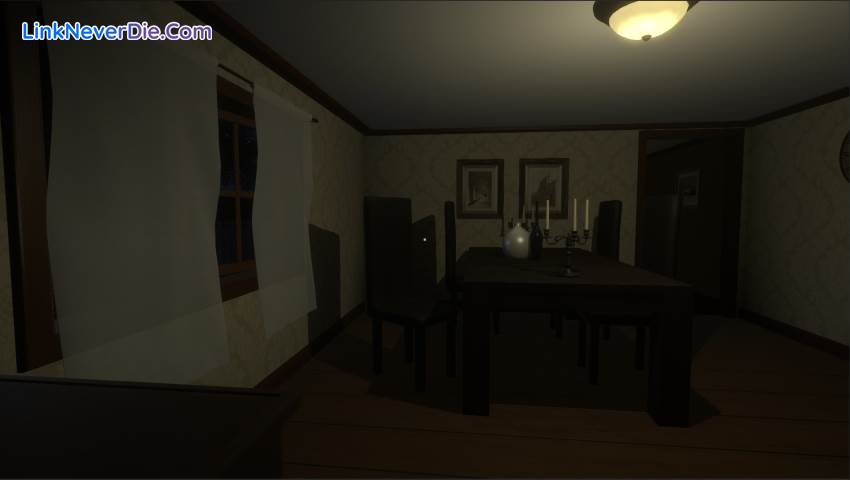
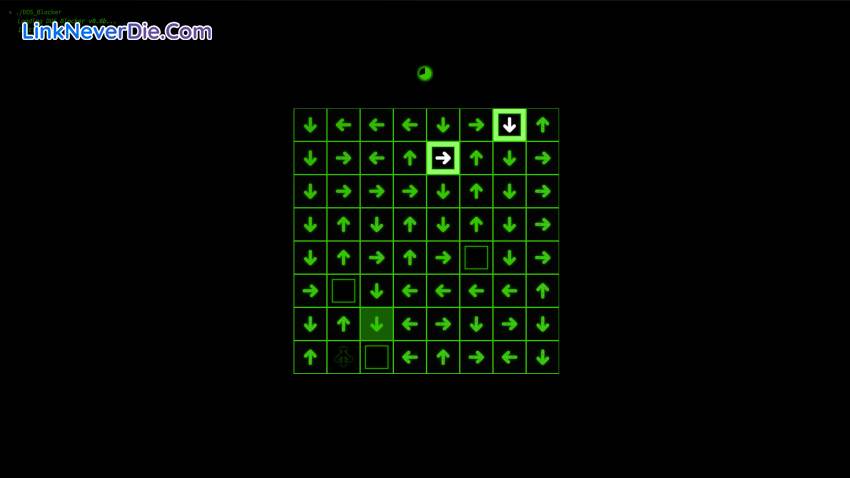
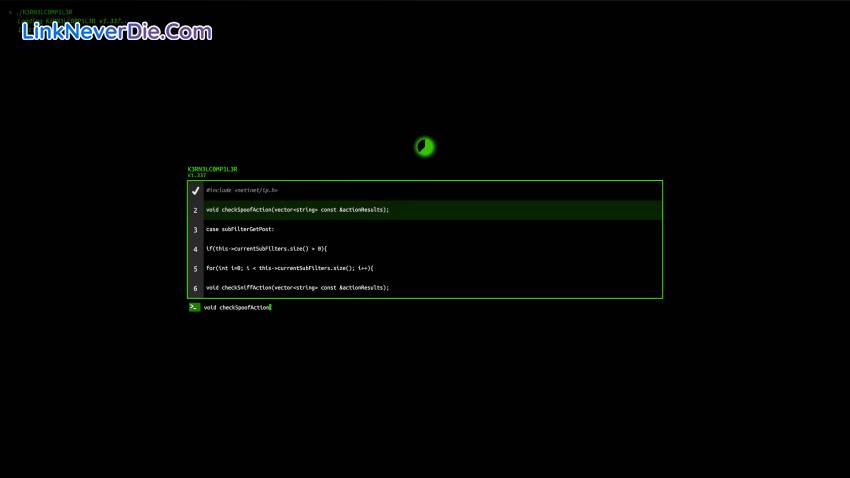
Welcome to the Game puts you behind a computer screen to explore the deep web. You are challenged to find 8 hidden keys throughout the deep web to build the Red Rooms URL. During this process, you are challenged with hidden puzzles on the Deep Web, have to solve mini puzzle games to prevent from getting hacked and there may or may not be kidnappers trying to kidnap you. Experience the true horror and eeriness of what is really out there on the deep web without actually going on the deep web.
Welcome to the Game puts you behind a computer screen to explore the deep web. You are challenged to find 8 hidden keys throughout the deep web to build the Red Rooms URL. During this process, you are challenged with hidden puzzles on the Deep Web, have to solve mini puzzle games to prevent from getting hacked and there may or may not be kidnappers trying to kidnap you. Experience the true horror and eeriness of what is really out there on the deep web without actually going on the deep web.
Cấu hình để chơi game Welcome to the Game
- Minimum:
- OS: Windows 7
- Processor: 2.4 GHZ
- Memory: 2 GB RAM
- Graphics: 1024MB
- DirectX: Version 11
- Storage: 3 GB available space
- Additional Notes: Best ran at a 16x9 aspect ratio / 1080p
- Recommended:
- OS: Windows 7
- Processor: 2.8 GHZ +
- Memory: 6 GB RAM
- Graphics: 4096MB +
- DirectX: Version 11
- Storage: 4 GB available space
- Additional Notes: Best ran at a 16x9 aspect ratio / 1080p
Mua bản quyền game Welcome to the Game
Nếu thấy game Welcome to the Game hay thì nhớ mua bản quyền game ủng hộ nhà phát triển các bạn nhé. Bấm vào nút bên dưới để dẫn đến trang mua bản quyền.
Loạt game Welcome to the Game
Kéo từ phải sang trái để xem

Các lỗi thường gặp khi chơi Welcome to the Game
-
Hướng dẫn khắc phục và sửa lỗi XINPUT1_3.dll
-
Hướng dẫn khắc phục và sửa các lỗi giải nén
-
Hướng dẫn khắc phục và sửa lỗi MSVCR110.dll / MSVCR100.dll
-
Hướng dẫn khắc phục và sửa lỗi VCOMP120.dll
-
Hướng dẫn khắc phục và sửa lỗi XAPOFX1_5.dll
-
Hướng dẫn khắc phục và sửa lỗi X3DAudio1_7.dll
-
Hướng dẫn khắc phục và sửa lỗi 0xc000007b
-
Hướng dẫn khắc phục và sửa lỗi d3dx9_43.dll
Diễn đàn Welcome to the Game
Chưa có bài thảo luận nào liên kết với bài viết này.

13524
0
1